(0)
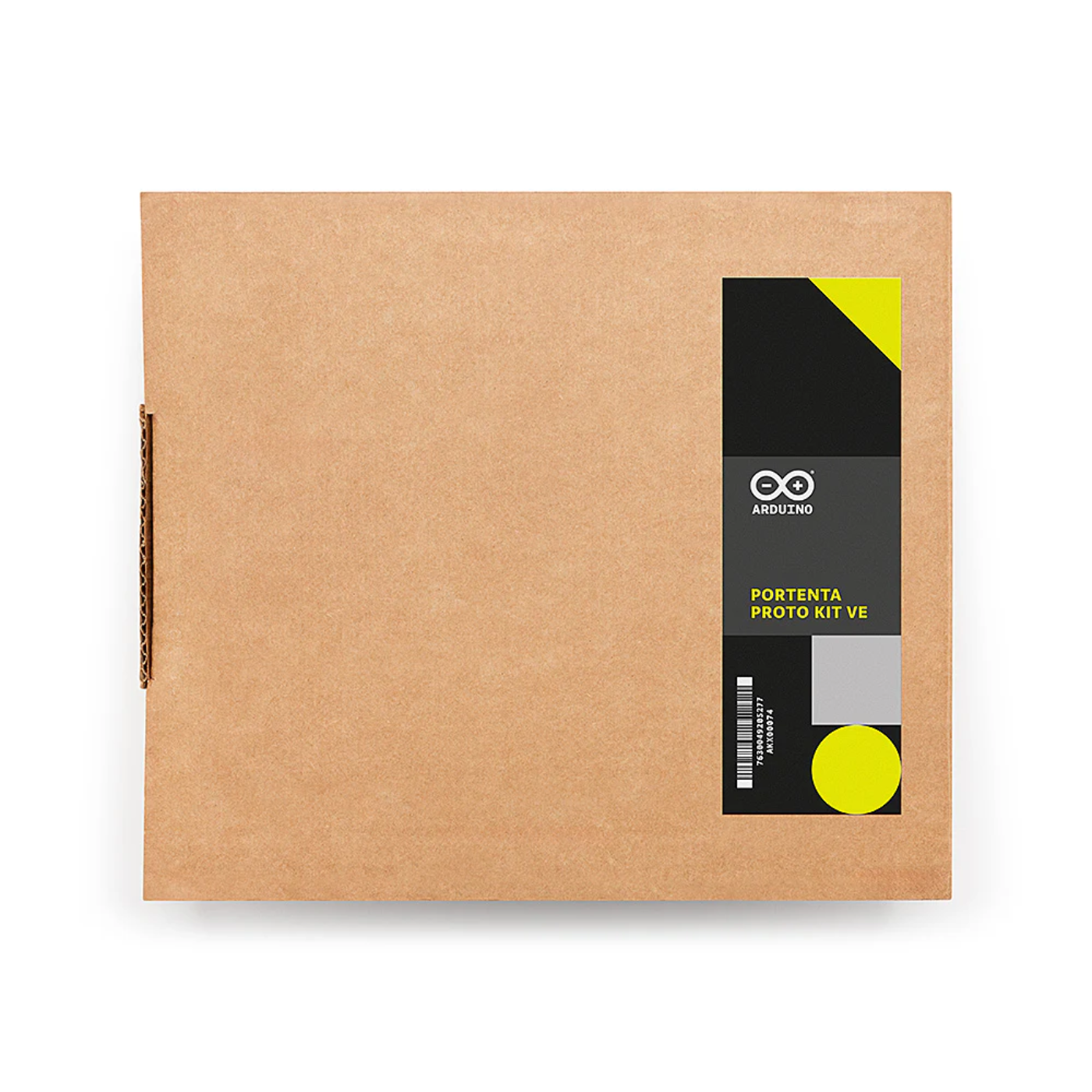
Official Arduino Portenta Proto Kit VE for Advanced Prototyping
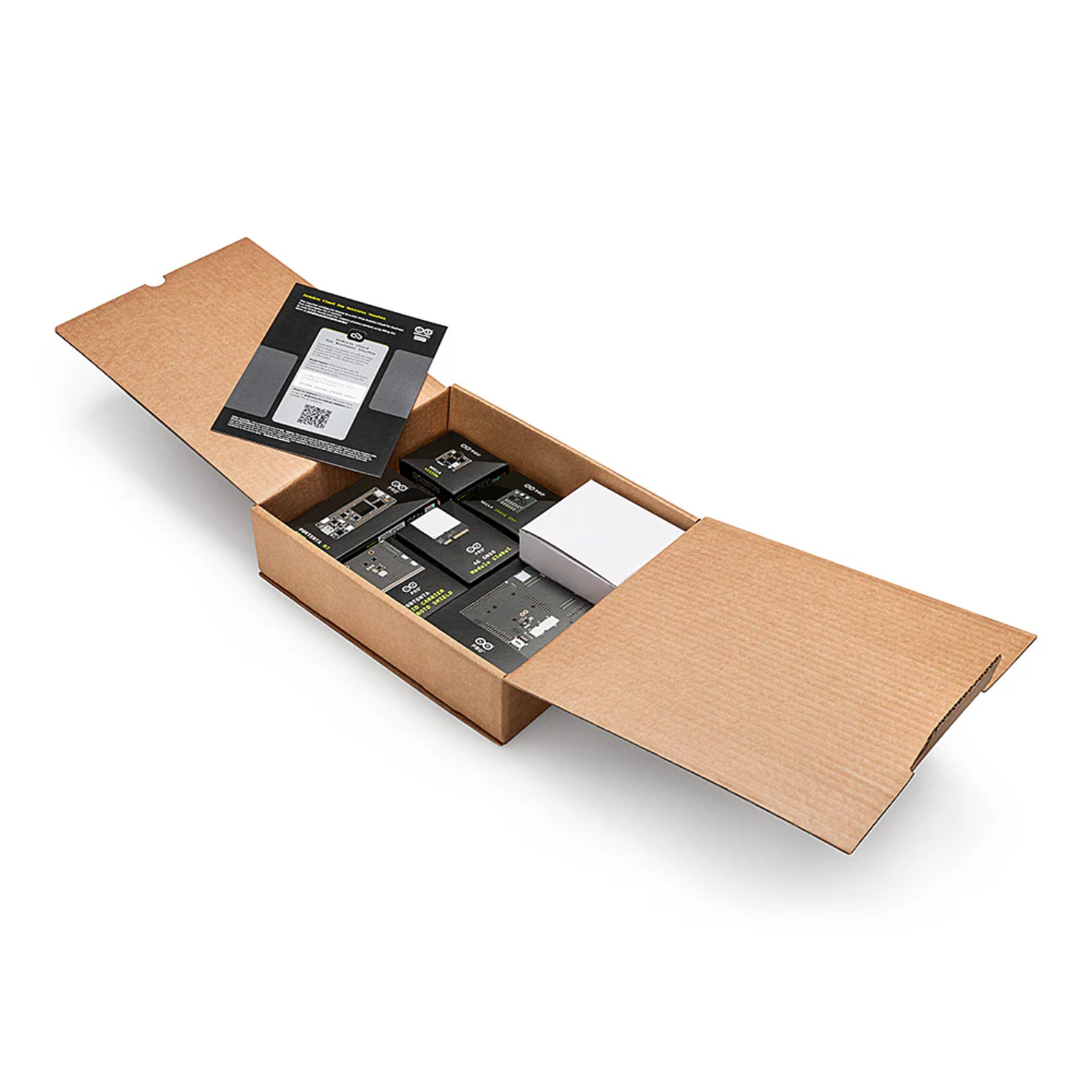
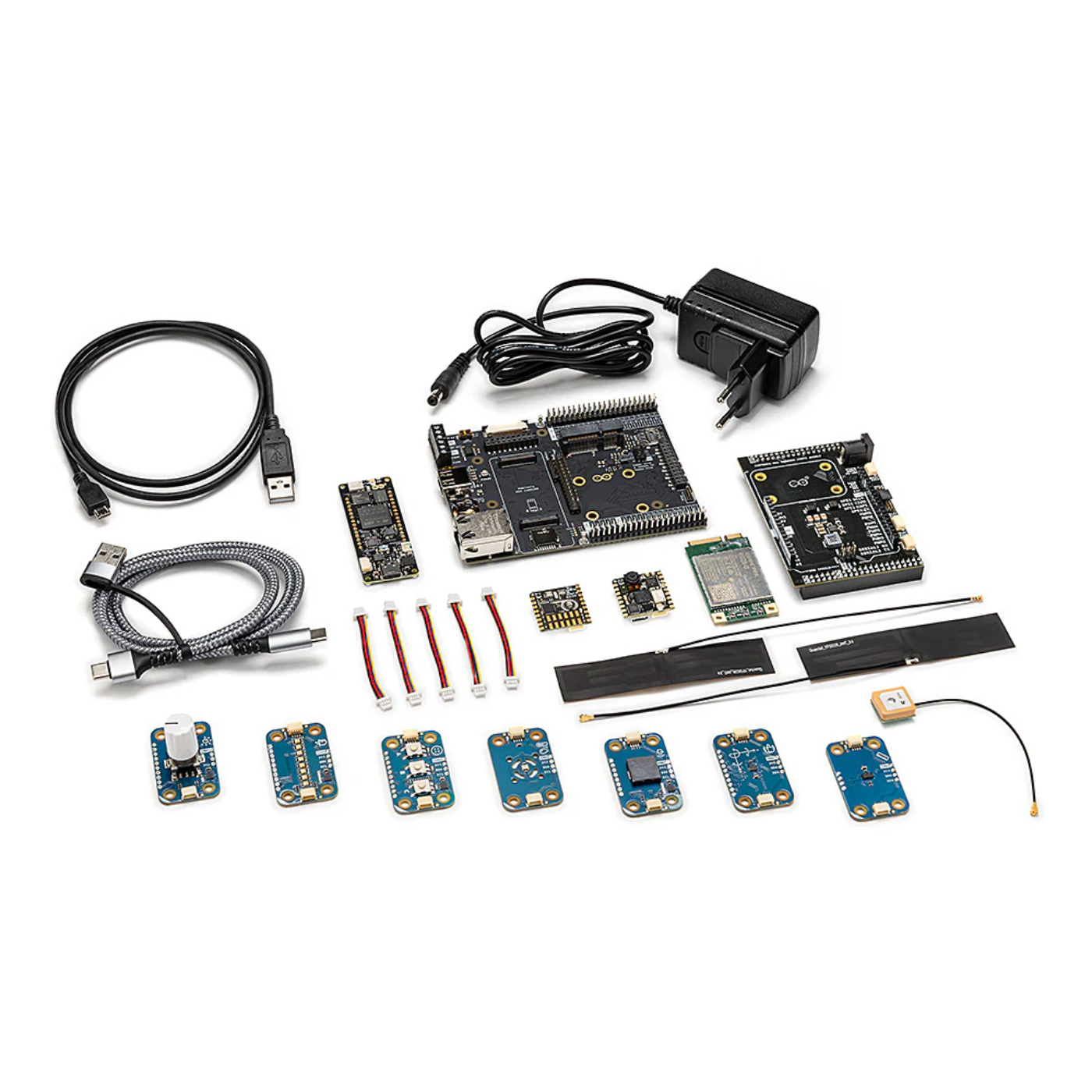
The Official Arduino Portenta Proto Kit VE (Vision Environment) is a comprehensive development solution tailored for creating functional prototypes that leverage machine vision and environmental monitoring.
Designed with a suite of integrated Arduino Pro components, this Stem kit empowers developers to rapidly build and test advanced applications such as object recognition, people counting, air quality monitoring, and industrial automation.
Its robust sensing capabilities and built-in connectivity, enabled by the Arduino Pro 4G Module, ensure seamless data processing and cloud integration.
Ideal for innovators and professionals, the Portenta Proto Kit VE bridges the gap between concept and commercialization by streamlining the path from prototype to final product.
Applications:
Predictive maintenance with Nicla sensors and cloud algorithms to minimize downtime
Intruder detection using face recognition, motion sensing, and real-time alerts
Environmental monitoring of air quality, noise, and other parameters
Machine vision for object recognition, motion detection, and people counting
Logistics tracking with environmental sensing and cloud-based location data
EV charging station prototype with remote management and analytics
High-speed test rigs for sensor calibration, load testing, and real-time analysis
Features:
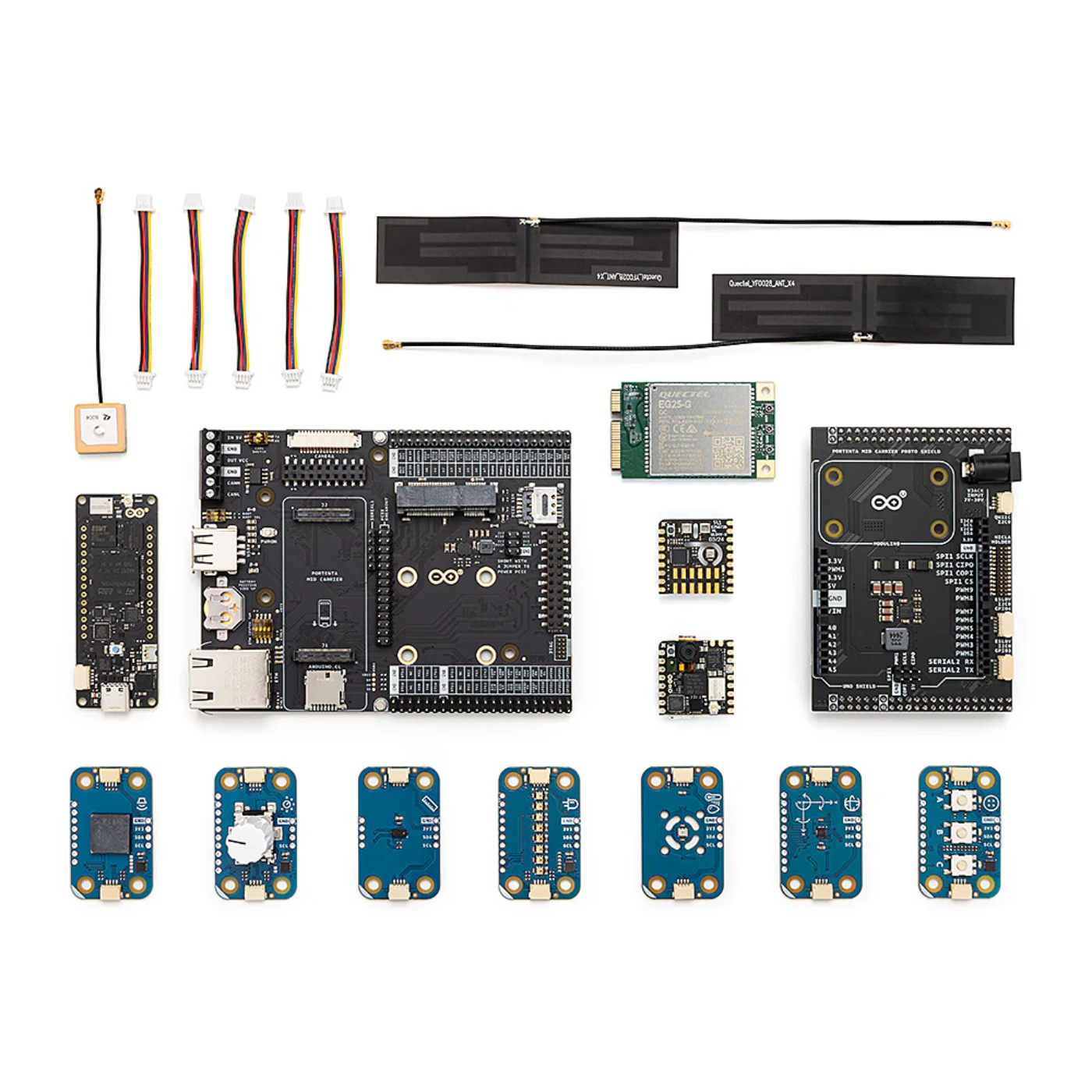
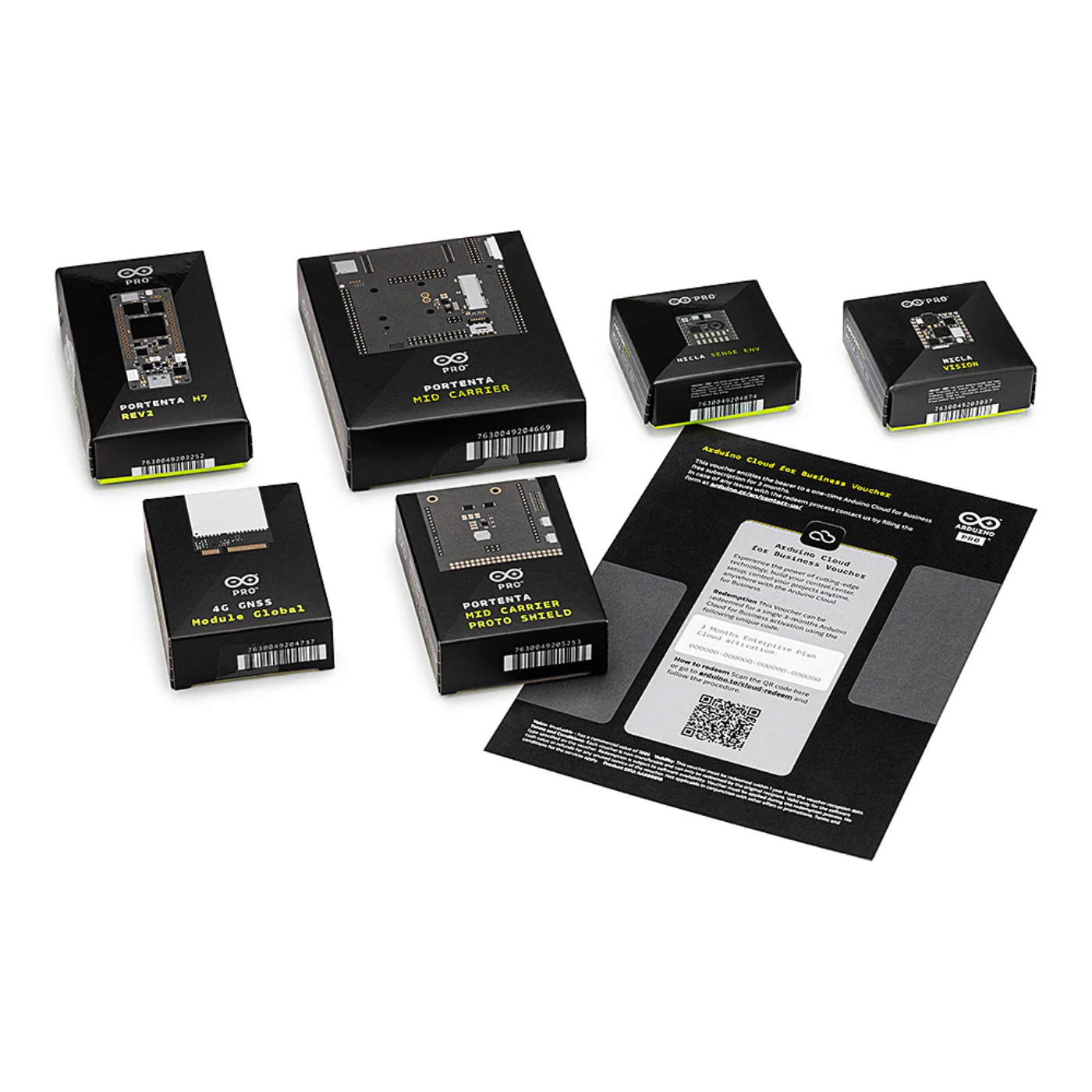
Portenta H7:
High-performance dual-core microcontroller ideal for advanced data processing and edge machine learning applications.
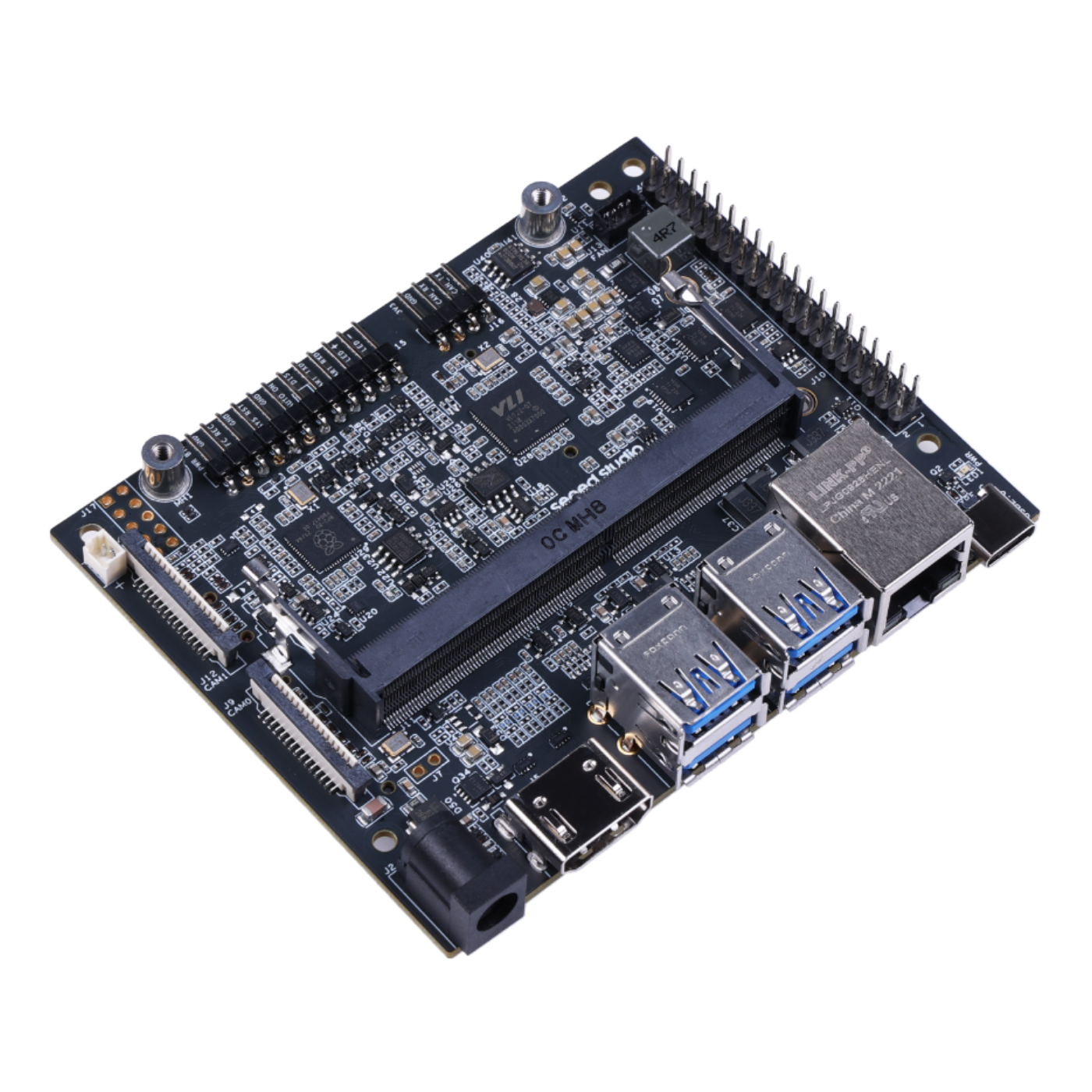
Portenta Mid Carrier:
Enhances expandability and connectivity, providing professional-grade interfaces for robust prototyping setups.
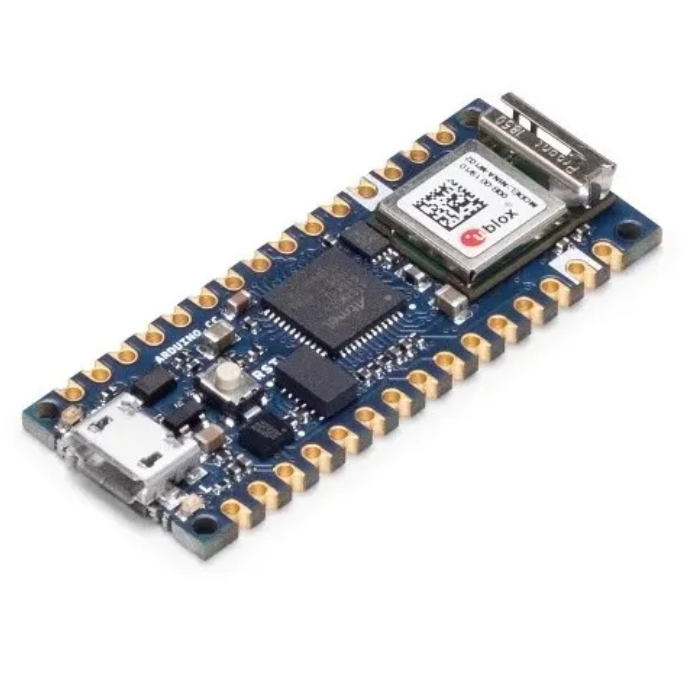
Nicla Vision:
Ultra-compact color camera module with onboard AI capabilities, enabling real-time image processing at the edge.
Nicla Sense Env:
Low-power sensor board that monitors air quality, temperature, humidity, pressure, and more for indoor and outdoor environments.
Modulino Nodes:
Modular and compact units for rapid deployment of sensing and actuation tasks, ideal for quick iteration and development.
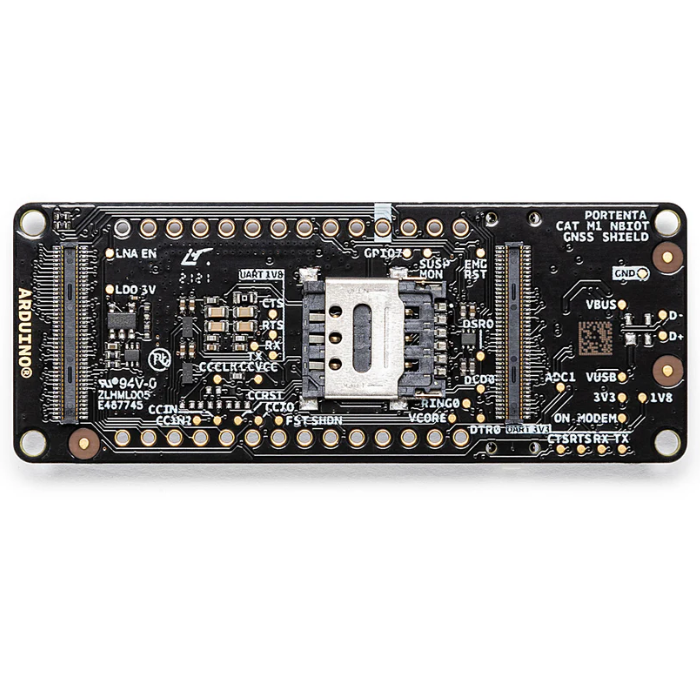
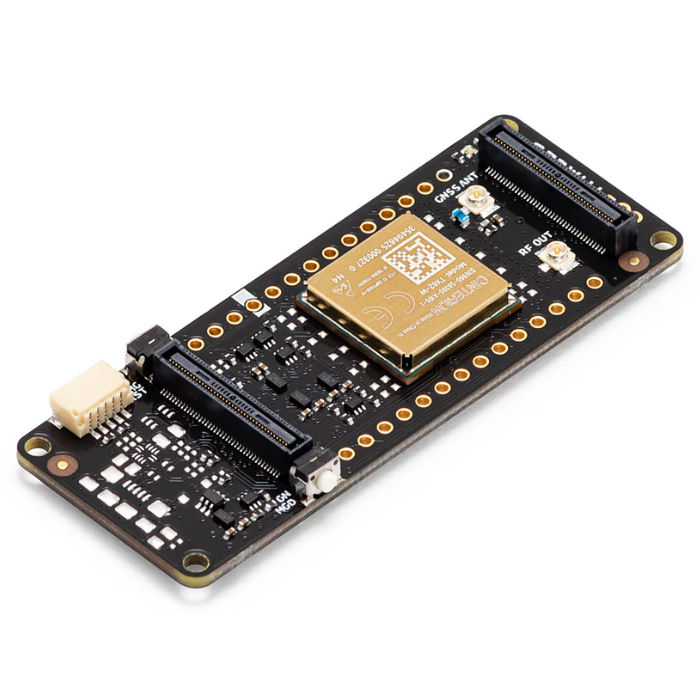
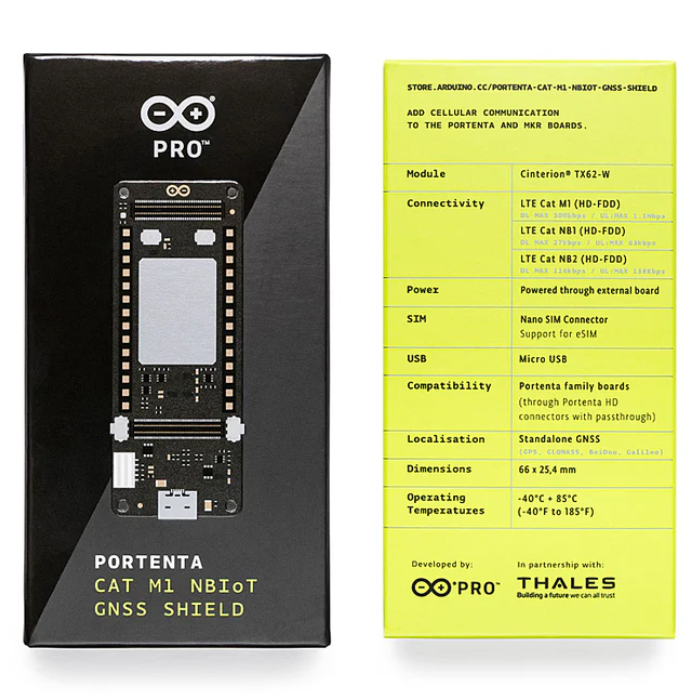
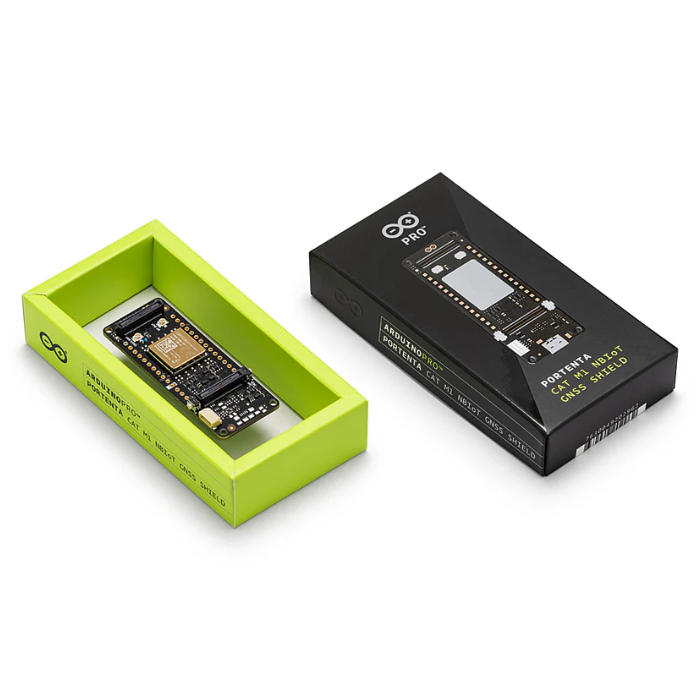
4G GNSS Module Global:
Ensures global cellular connectivity and location tracking via GNSS, enabling remote and mobile applications.
Arduino Cloud for Business Voucher:
Includes a 3-month subscription for seamless cloud-based data storage, visualization, and remote device management.
All Required Accessories Included:
Comes complete with power supply, cables, and connectors, everything you need to start building right out of the box.
₹32713.45
MRP. ₹76998.60
Incl. GST (No Hidden Charges)